01
Start with your name
Type your business name on this website and press Start building. Your name is already filled in on the first screen. No account, no card details.
How it works
No blank page and no settings maze. You answer plain questions, your website takes shape in front of you, and a person from our UK team checks it before it goes live.
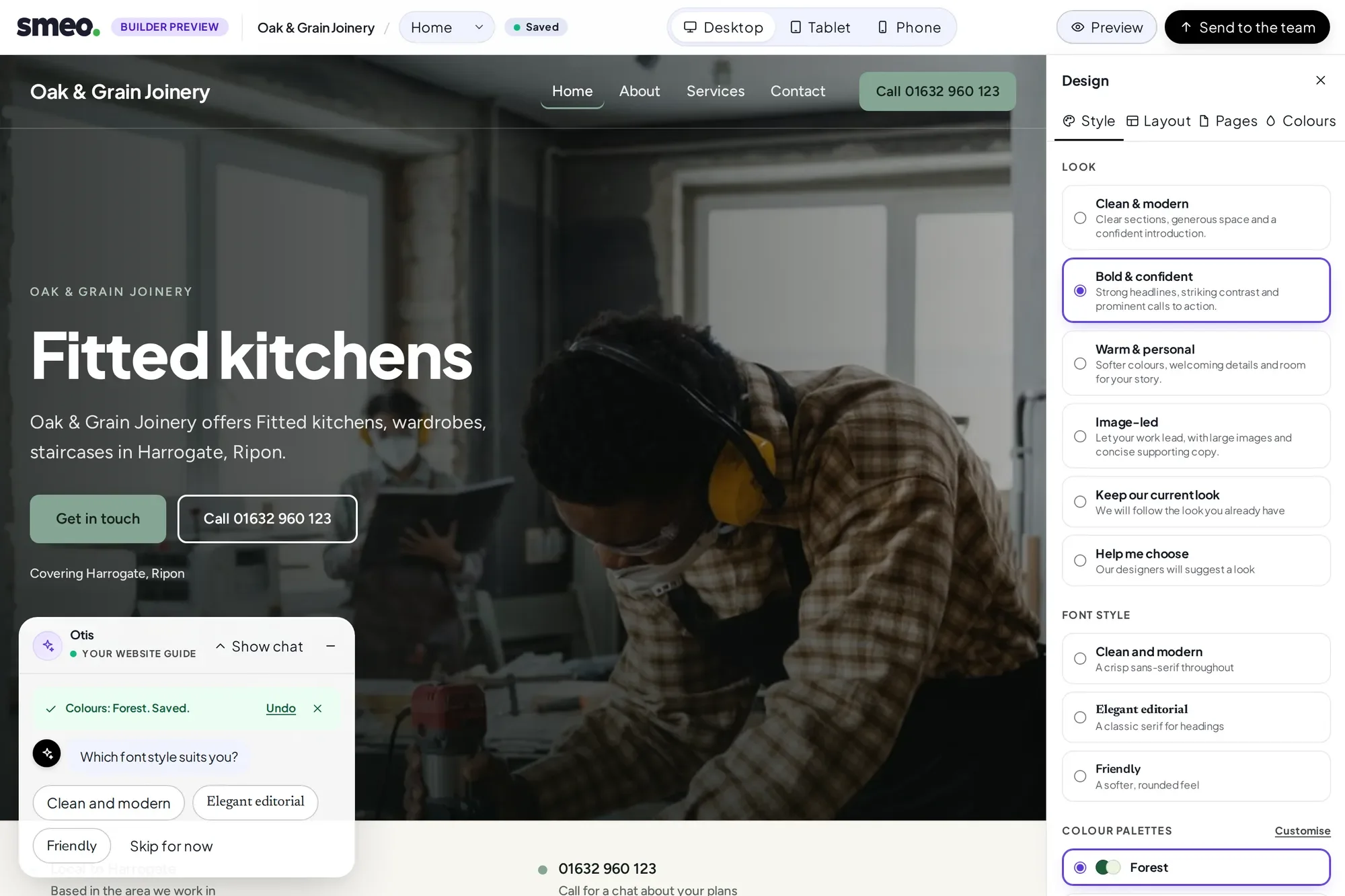
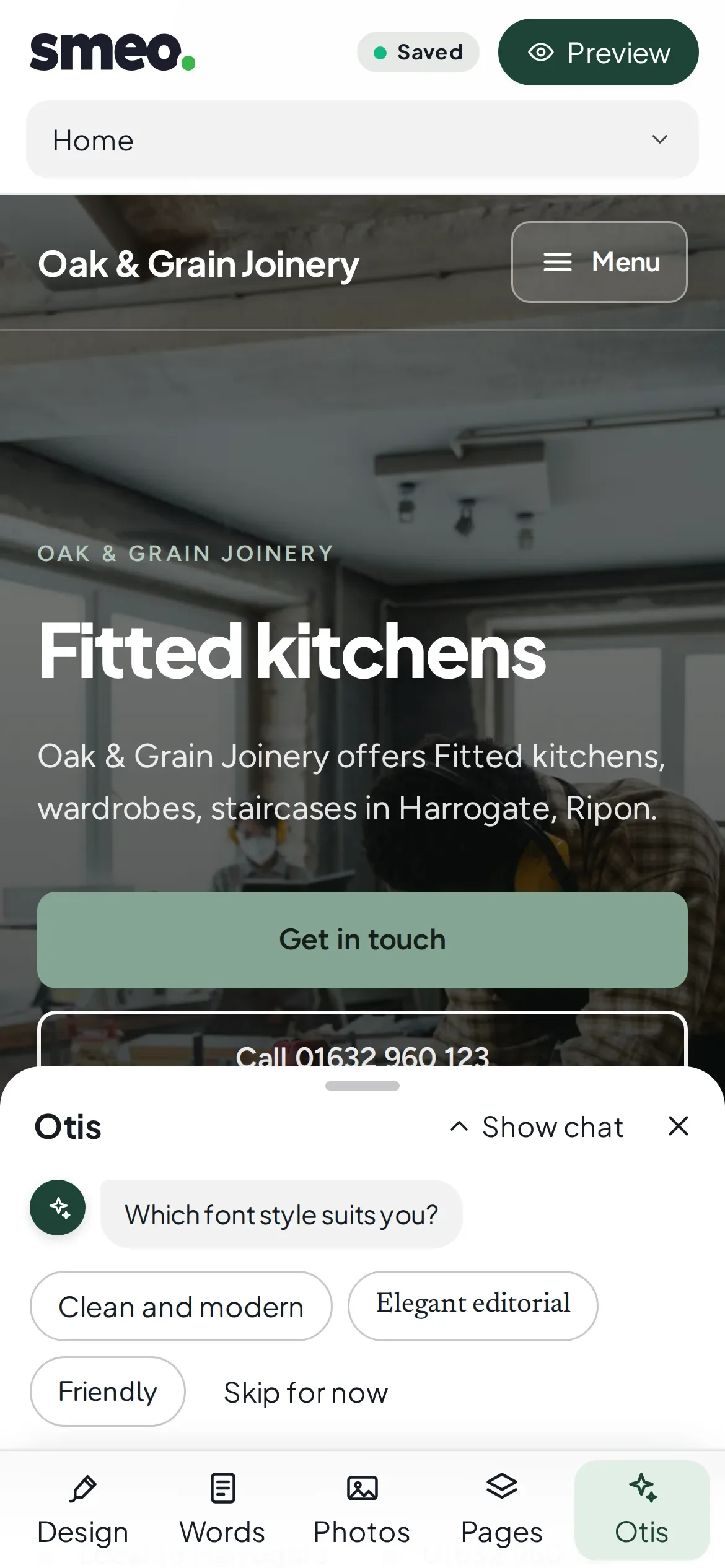
Five steps. It saves as you go, so you can stop after any of them and come back.
01
Type your business name on this website and press Start building. Your name is already filled in on the first screen. No account, no card details.
02
What you do, where you work and who for, what visitors should do first (call, enquire, ask to book or visit), how it should feel, and the photos to start with. It saves as you go.
03
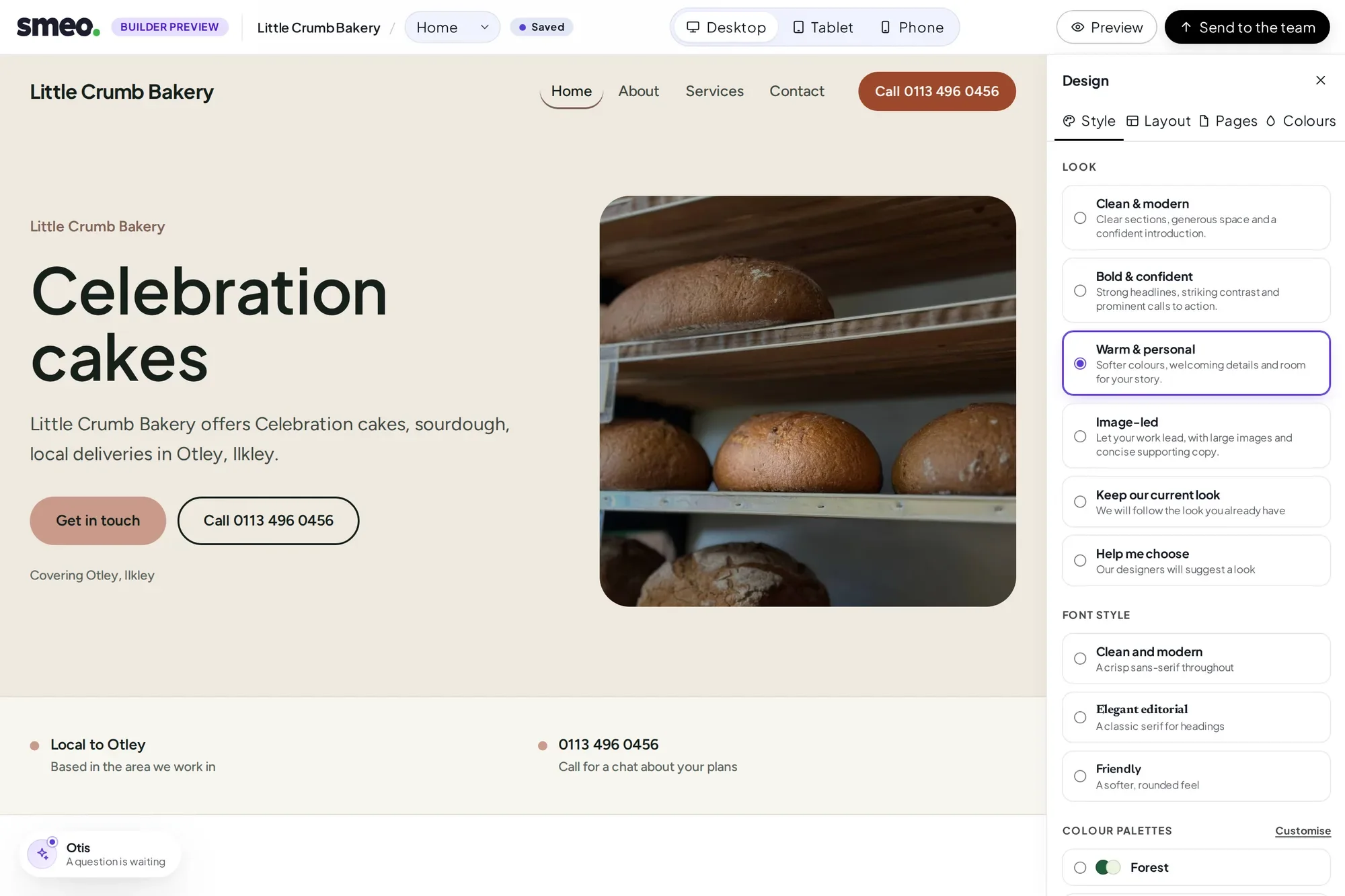
We suggest your pages, then one homepage direction. The free direction is a demo made by our rules, not AI. Try another, undo, and approve it when it feels right. Personalised AI directions are being tested with invited accounts.
04
Your approved homepage opens in the builder with Otis and the live preview. Tap any words to change them, with Undo and Redo, and check it on desktop, tablet and phone.
05
When it looks right, press Send to the team. Our team sets your website up on WordPress with Elementor from your design, then a person checks it before it goes live. It is a hands-on step, not an instant one, and nothing publishes on its own.
Studio is where you look after a WordPress website without going near wp-admin. Add and edit pages and blog posts, upload photos (location data is removed for you) and swap a picture on a page.
Edits to a live page wait on a private preview copy first. You check them on a review screen, press Publish, and Studio then checks the live page really shows the change.
What happens if I close the tab?
Nothing is lost. The builder saves as you go, and your draft stays tied to this device.
Can I carry on from another device?
Yes. Copy your private link and open it there. Treat it like a key. We cannot email it to you yet, because email is not set up.
Can I undo an answer?
Yes. Every answer can be undone, and Undo takes Otis back to that question.
Can I use my own photos?
Not in the builder yet; that is planned. For now it uses licensed stock photos chosen to suit your business. In Studio, you can upload your own.
Who writes the words?
That is one of Otis's questions. Whatever you choose, you can change any text on the page by tapping it.
Start with your business name. No account and no card, and nothing goes live until a person has checked it.